> ## Documentation Index
> Fetch the complete documentation index at: https://wundergraphinc-brendan-add-external-directive.mintlify.site/llms.txt
> Use this file to discover all available pages before exploring further.
# API Keys
> This page enables the management of API tokens for automation purposes, such as CI/CD or local CLI usage.
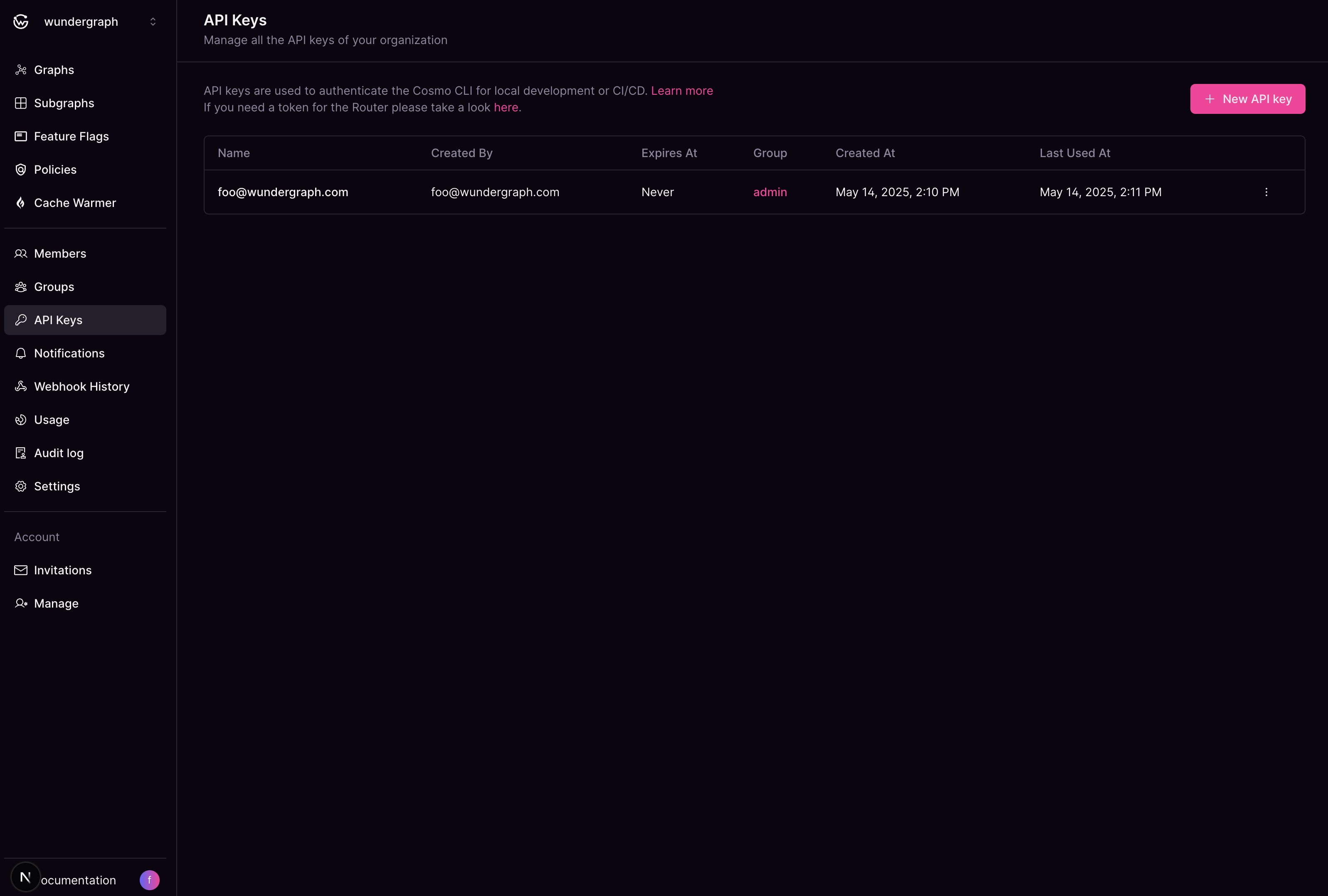
The API keys are used to authorize the user to perform actions using [wgc](/cli/intro) (Wundergraph Cosmo CLI Command). On the overview, we display all keys across the organization. Only members of role Admin and Developer have the ability to create new keys.
 ### How to create an API Token
* Click on the New API Key button.
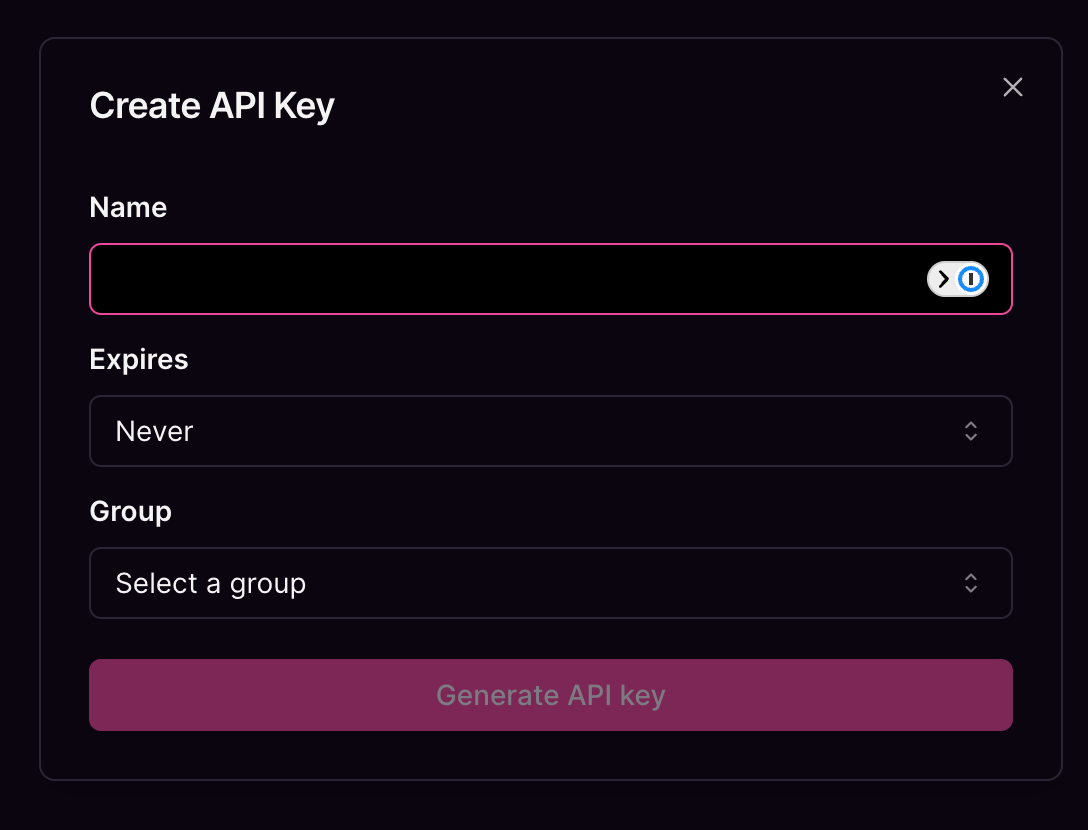
* Give the API key a name, select the expiry, the group and then click on "Generate API key".
### How to create an API Token
* Click on the New API Key button.
* Give the API key a name, select the expiry, the group and then click on "Generate API key".
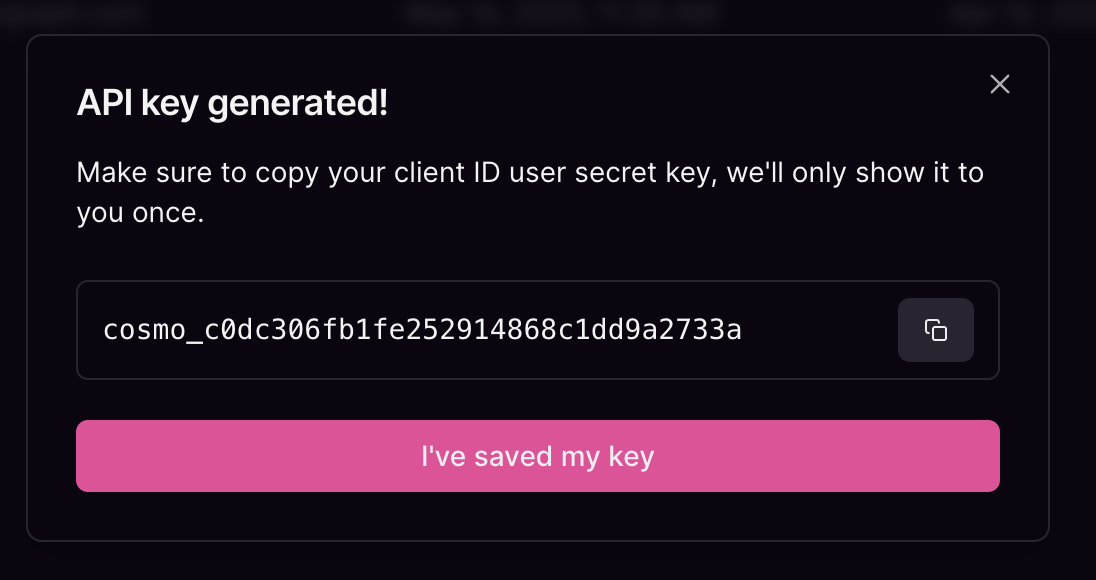
 * Once the API key is generated, it will be displayed for the user to copy it.
The API Key will be displayed only once. Please copy the API key and store it securely.
* Once the API key is generated, it will be displayed for the user to copy it.
The API Key will be displayed only once. Please copy the API key and store it securely.